
How to Get the KRNL Key in 2026 (Fast & Easy Guide)
Nobody likes dealing with ad pages when they just want to play a game. You open your game, get your script ready, and boom a box pops up asking for a key. It is easily the most annoying part of using a free tool. Still, the KRNL key system is the only reason this app stays free instead of costing $15 a month like paid tools.
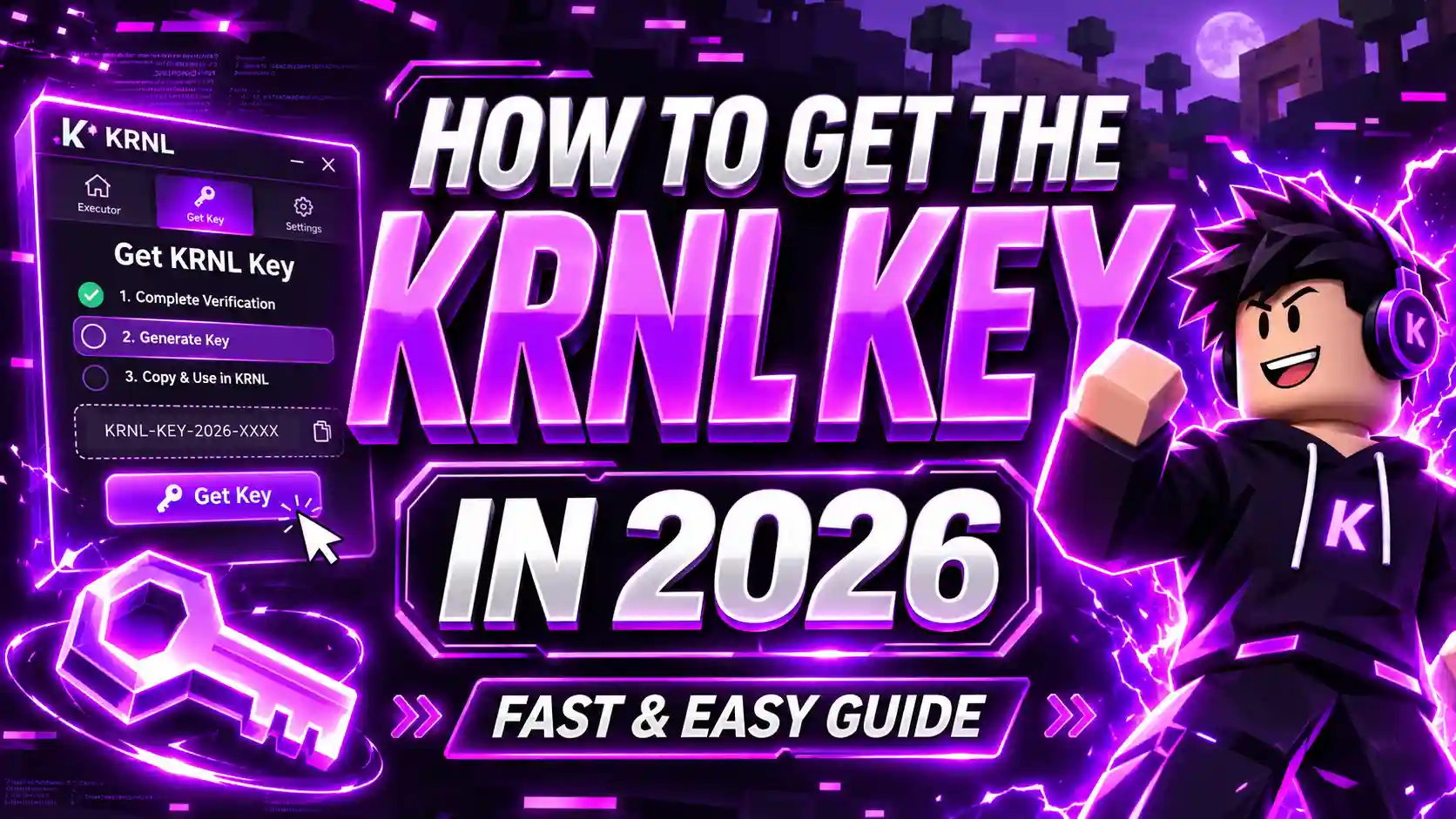
If you know which buttons to click and which fake pop-ups to close, you can get your key in less than a minute. Once you have the main KRNL Executor installed, just follow the steps below to grab your key without getting stuck in endless ad loops.
Why Does KRNL Ask for a Key?
Every time Roblox updates, script tools break. A team of coders has to sit down, fix the broken files, and pay for servers to host the updates. Instead of making you pay cash, they put a few ad pages in front of the key. You look at two or three ads for a few seconds, they get a few cents to pay for the servers, and you get the full app for free.
Here is the basic rundown of how it works:
Step-by-Step: Getting Your Key in 60 Seconds
The biggest mistake people make is clicking on fake “Download” buttons on the ad pages. Follow these exact steps and you won’t have any trouble.
Step 1: Grab the Key Link
Open Roblox, join any game, and wait for your character to spawn in. Open up KRNL and click Inject (or Get Key).
A small box will pop up saying you need a key. Click the button that says Copy Key Link (or copy the URL from the black console window).
Step 2: Go Through the Checkpoints
Open Chrome, Brave, or Edge. Paste that link into the top bar and hit Enter.
- First Page: It will take you to a gateway page like Linkvertise.
- Click Free Access: Look for the black or orange button that says Free Access with Ads. Click it.
- Wait Out the Timer: Sometimes a small box opens asking you to read an article or wait 5 seconds. Wait for the timer to hit zero, click the “X”, and hit Continue.
- Close Pop-up Tabs: When you click Continue, a random new tab might open trying to get you to download Opera GX, an antivirus, or a .zip file. Close that new tab right away. Stay on your main tab.
- Do It 2 or 3 Times: You will have to pass 2 or 3 of these checkpoints. Each one takes about 15 seconds.
Step 3: Copy and Paste Your Key
After the last checkpoint, the page will load a plain screen with a long code made of random letters and numbers. That is your KRNL key.
Copy that code, go back to your game, paste it into the key box, and hit Submit. The box will close and your tool will unlock right away.
Now you can head over to our KRNL Script Library, copy any script you like, and run it in your game.
Simple Tricks to Skip the Headaches
If you feel like the checkpoints take too long, try doing this next time:
- Use the Brave Browser: Brave blocks most of the annoying pop-up tabs automatically without breaking the checkpoint timer.
- Count to 10 Before Clicking: If you click through the pages too fast, the website thinks you are a bot and sends you back to Checkpoint 1. Wait about 8 to 10 seconds on each page before clicking continue.
- Keep Your VPN Off: Do not turn a VPN on or off while getting your key. If your IP address changes halfway through, your progress resets.
- For Android Players: If you use the KRNL Executor Android app on a phone with 4GB RAM, get your key before you load into a heavy game. Otherwise, your phone might close the game while you have Chrome open.
- For iPhone Players: Anyone on the KRNL Executor iOS app should stick to Safari when doing the key steps so the page saves your progress properly.
Fixing Common Key Problems
Sometimes the key page bugs out. Here is how to fix it when things go wrong:
“Invalid Key” Error
If you just got a fresh key and the box says “Invalid Key,” check the text you pasted. Most of the time, people accidentally copy an extra blank space at the end of the code. Delete the space and try again. If it still fails, your Wi-Fi probably flickered and changed your IP, so you will need to run through the link one more time.
Stuck Going in Circles (Checkpoint 1 to Checkpoint 1)
This happens when you rush. The site has a hidden timer. If you finish a checkpoint in 2 seconds, it flags you and loops you back to the start. Slow down, wait 10 seconds on the page, and then click the button.
Blank White Screen
If the key page is just a blank white screen, your browser cookies are glitched. Open an Incognito Tab (Private Window) in Chrome, paste your key link there, and it will load right up.
Once your key is working, you can load up big game menus like a KRNL Blox Fruits Script and farm for hours without getting kicked.
Should You Use a “Key Bypass” Website?
If you search YouTube for “KRNL Key Bypass,” you will see tons of videos telling you to download a bypass tool or use a special website to skip the ads. Don’t do it.
First off, almost every “Keyless KRNL” download on YouTube is a virus made to steal your Roblox login or Discord token. Second, the KRNL servers check how fast you passed the checkpoints. If you use a bypass site that skips the link in 1 second, KRNL sees that you cheated the timer and bans your IP for an hour. Doing it the normal way takes 60 seconds and keeps your PC safe.
Frequently Asked Questions
Final Words
Getting past the KRNL key system is super easy once you know what to ignore. Just copy your link, wait 10 seconds on each page, close any random pop-up tabs, and copy your code at the end. Spend one minute doing that, and you get a full day of running any script you want for free!